
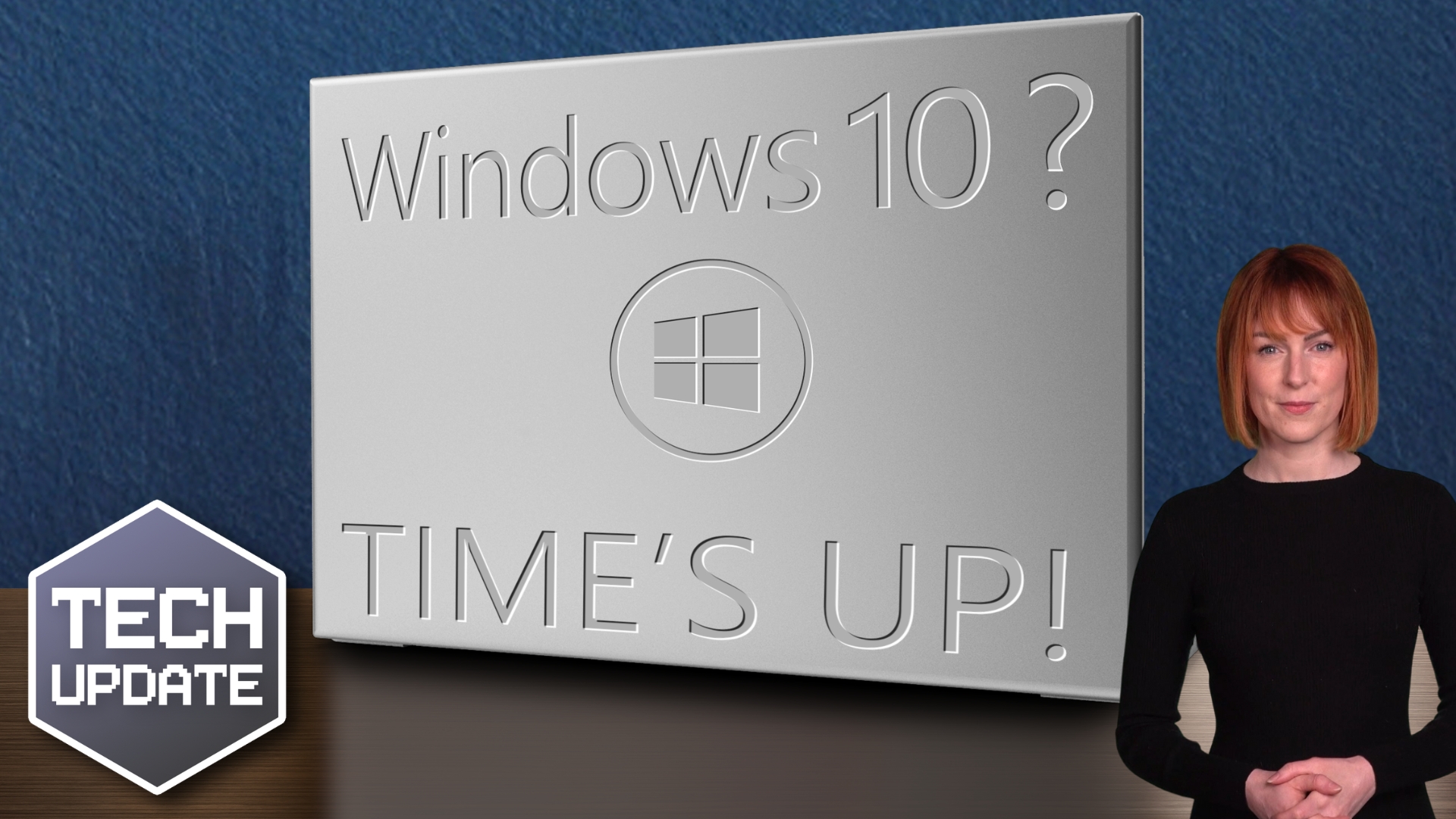
Relying on Windows 10 extended support? Time to upgrade

Relying on Windows 10 extended support? Time to upgrade

Are you still running Windows 10 because “it’s fine for now”?

I hear that a lot. 

And to be fair, if you signed up for Extended Security Updates (ESU) programme, Windows 10 probably does still feel fine. It turns on. It works. It gets security updates. No drama.

But that feeling of safety is temporary.

Windows 10 officially reached the end of standard support back in October 2025. ESU was always meant to be a short-term safety net, not a long-term strategy. 

And that net disappears in October 2026. After that point, Windows 10 stops receiving security updates altogether.

No patches. No fixes. No safety net.

What’s interesting is how many people are still putting this decision off. 

Data shows that millions of PCs are still running Windows 10. Even in regions where support deadlines are well known. 

Now, that data focuses on home users, but in my experience, many businesses are behaving the same way. They’re sticking with Windows 10 because it’s familiar and still technically supported.

And Microsoft hasn’t exactly made that decision feel urgent. 

The same screen that warns you about the end of support also makes it very easy to enrol in ESU. One click, accept the terms, and you can carry on. For a lot of people, that feels like the problem has been solved.

It hasn’t.

ESU only buys you time. Once October 2026 passes, staying on Windows 10 means running an operating system with known vulnerabilities and no protection against newly discovered threats. 

From a business point of view, that’s more than a technical risk. It’s a commercial one. 

Cyber insurance, compliance requirements, and supplier expectations increasingly assume supported software.

At that stage, you’re left with two options: Upgrade to Windows 11, or replace the device entirely.

This is where planning matters. Some older PCs simply won’t support Windows 11. Others will but may need configuration changes or performance checks. 

Leaving this until the last minute often leads to rushed purchases, unhappy staff, and unnecessary costs.

If you’re relying on extended support today, it should be part of a clear exit plan, not a holding pattern.

Because when ESU ends, Windows 10 drops off a cliff.

If you’re unsure whether your current PCs can upgrade or whether you’re heading for a last-minute hardware scramble, now’s a good time to review your options and plan the next step properly.

My team and I can help with that. Get in touch.
How to stop AI projects stalling

How to stop AI projects stalling

Have you noticed how many AI projects start with excitement… and then quietly go nowhere?

I’m seeing it a lot. 

A demo here, a pilot there, plenty of internal chatter, but very little that makes it into day-to-day use. 

And it’s not because AI doesn’t work or isn’t valuable.

In fact, a recent report suggests the opposite. 

Around half of AI initiatives are still stuck in proof-of-concept mode, even though most businesses fully expect to increase their AI budgets. 

Belief isn’t the problem. Momentum is.

What’s really holding things up is something far more familiar: Uncertainty.

Many businesses jump into AI with a vague sense that it’s important, but without a clear business problem they want it to solve. 

When that happens, projects drift. Teams experiment, but no one can quite say what success looks like, how it will be measured, or when it’s good enough to roll out properly.

Governance is another big blocker. 

Leaders worry about security, privacy, and compliance (and rightly so). But instead of putting simple guard rails in place, projects get paused while people wait for perfect answers. 

The result is often no progress at all.

There’s also a skills gap. 

AI sounds plug-and-play from the outside, but in practice it still needs people who understand how to manage it, monitor it, and step in when something looks wrong. 

Most organisations aren’t short on ambition; they’re short on confidence.

Interestingly, businesses already know that AI won’t be fully hands-off any time soon. 

Most AI decisions today are still checked by humans, and many leaders expect a long-term balance where people and AI share responsibility rather than one replacing the other. 

That’s a sensible starting point.

So how do you stop AI initiatives stalling?

The businesses making progress tend to do three things well. 

First, they tie AI to a specific, boring business outcome. Saving time in IT operations, improving system monitoring, speeding up reporting. 

Not grand transformation but measurable improvement.

Second, they set clear boundaries. What can AI do on its own? What always needs a human check? 

That clarity reduces fear and speeds up decisions.

And finally, they scale slowly and deliberately. Instead of throwing money at multiple tools and hoping something sticks, they prove value in one area, learn from it, and then expand.

AI doesn’t usually fail because it’s too advanced. It fails because it’s too vague.

If your AI projects feel stuck, the answer is clearer goals, better guard rails, and a willingness to move forward imperfectly, with humans firmly in the loop.

If you’re exploring AI but struggling to move forward, my team and I can help. Get in touch.

Small habits to make your Windows 11 PC last longer

Small habits to make your Windows 11 PC last longer

When was the last time you replaced a perfectly usable work computer, simply because it had become slow or unreliable?

For a lot of businesses, that moment is coming sooner than it used to. 

Hardware prices have risen, upgrades cost more, and replacing machines that should have had a few good years left in them is now a painful expense rather than a routine decision.

The good news is that most computers don’t wear out suddenly. They slow down gradually, often because of small, fixable issues rather than failing hardware.

And with Windows 11, there are a few sensible habits that can extend the life of your devices.

One of the biggest drains on performance is software clutter. 

Over time, PCs collect apps that start automatically, run in the background, and use up memory and processing power. 

The computer feels old, but in reality, it’s overloaded. 

Keeping startup apps under control and removing software that’s no longer used helps your PC spend its energy on actual work, not housekeeping.

Updates also matter more than many people realise. 

They’re not only for new features or security warnings. Updates fix bugs that cause crashes, performance issues, and file corruption. 

Left unresolved, those problems can snowball into system failures that make a device feel beyond saving. 

Staying up to date can be the difference between a PC that lasts four years and one that lasts six.

Storage is another hidden pressure point. 

When a drive gets too full, everything slows down: Updates fail, apps struggle, and the system has less room to manage itself properly. 

Regularly clear out unused files and applications. That gives Windows space to breathe and reduces wear on modern solid-state drives (which are expensive to replace).

Security also plays a role in longevity. 

Malware doesn’t just steal data; it consumes resources, increases background activity, and can shorten the life of a system. 

Make sure you have the right security tools in place to keep your business protected. And keep your people up to date on cyber security best practice. 

For laptops, power habits matter too. Constant heat, full charging all the time, and deep battery drain all accelerate battery wear. 

Small changes in how devices are charged and used can delay the point where a laptop becomes desk-bound because the battery no longer holds up.

Finally, backups deserve a mention. 

When something does go wrong, businesses often replace machines in a rush because they’re worried about losing data. 

Reliable backups remove that panic. If data is safe, you can repair or recover a system instead of writing it off early.

None of this is dramatic. There’s no single magic tweak. But taken together, these small habits add up. 

With hardware costs rising, extending the working life of your Windows 11 PCs is a smart financial move, as well as good IT hygiene.

Want to see where a few small changes could save your PCs? Get in touch.

Beware the next generation of phishing attacks

Beware the next generation of phishing attacks

If phishing scams are supposed to trick people, why do so many of them still feel clumsy?

For years, the answer was simple: Most scams were mass-produced. 

The same email, the same fake website, sent to thousands of people and hoping a few would fall for it. 

That approach is still around, but it’s starting to evolve.

When generative AI first appeared, there was a lot of talk about “dynamic websites”.

Instead of one fixed site for everyone, pages would be generated on the spot, shaped by who you are, where you are, and what device you’re using. 

That future never really arrived for everyday businesses. It was complex and rarely worth the effort.

Cyber criminals, however, don’t need perfect systems. 

They need something convincing.

Security researchers have shown how this idea could be used for phishing. While it’s still largely experimental, it gives a clear picture of the next generation of scams.

A victim clicks a link and lands on a webpage that looks harmless. There’s no obvious malicious code sitting on the page. 

Once it loads, the page asks a legitimate AI service to help generate content. 

That content is then assembled and run directly in the person’s browser.

The result is a phishing page that’s created especially for that visitor. 

The wording, layout and code can all be different every time. There’s no single fake website for security systems to spot and block, because the scam doesn’t fully exist until someone opens it.

Before you panic, this method isn’t widespread yet. But the building blocks are in use. 

AI is being used to write malicious code, malware is increasingly assembled as it runs, and AI-assisted scams are becoming more common.

For you, this changes the rules slightly. 

Phishing is no longer just about spotting bad spelling or sloppy design. Future scams may look even more polished, personalised and completely legitimate.

That’s why modern protection focuses less on “don’t ever click the wrong thing” and more on limiting the damage if someone does. 

Tools like multi-factor authentication, secure browsers and email filtering still work, even when a fake page looks convincing.

Remember this: Phishing isn’t going away. It’s getting smarter. 

To stay protected now you must assume the next scam will look professional and make sure your defences don’t rely on people spotting obvious mistakes.

Want to check how exposed your business is? Get in touch.